

Your security workflow, without leaving your editor.
Triage and fix issues, author rules, and manage your security posture from inside your developer environment.

Security is siloed from
the dev workflow.
.webp)
Security findings get ignored.
When findings live in a separate dashboard, developers get pulled out of their inner loop - their IDE, their terminal - and into the outer loop just to deal with them. That switch alone is enough friction to push security work to the bottom of the list, or off it entirely.
AppSec writes rules.
Eng misses them.
Security requirements exist in one place. The people responsible for implementing them work in another. There's no shared workflow, no shared context, and no easy way to close the gap.
Fixing issues without context is error-prone.
A finding in a dashboard tells you something is wrong. It doesn't tell you why or how it fits into the code you're already looking at. Developers lose time switching back and forth to piece it together.
No more context switching.
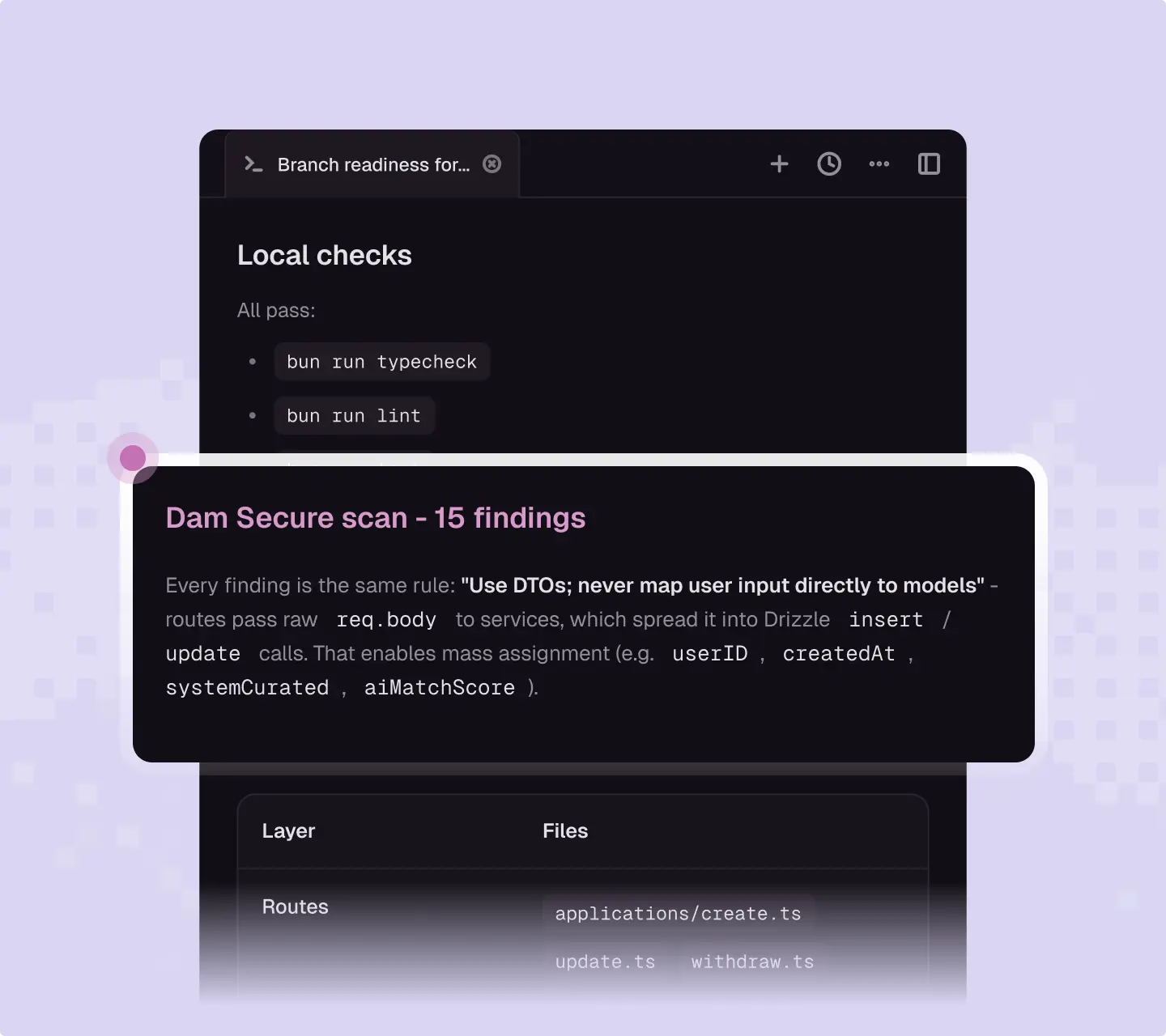
Review, confirm, dismiss, and action security findings without leaving your developer environment. The finding, the code, and the fix are all in the same place - so developers can move fast without losing momentum.
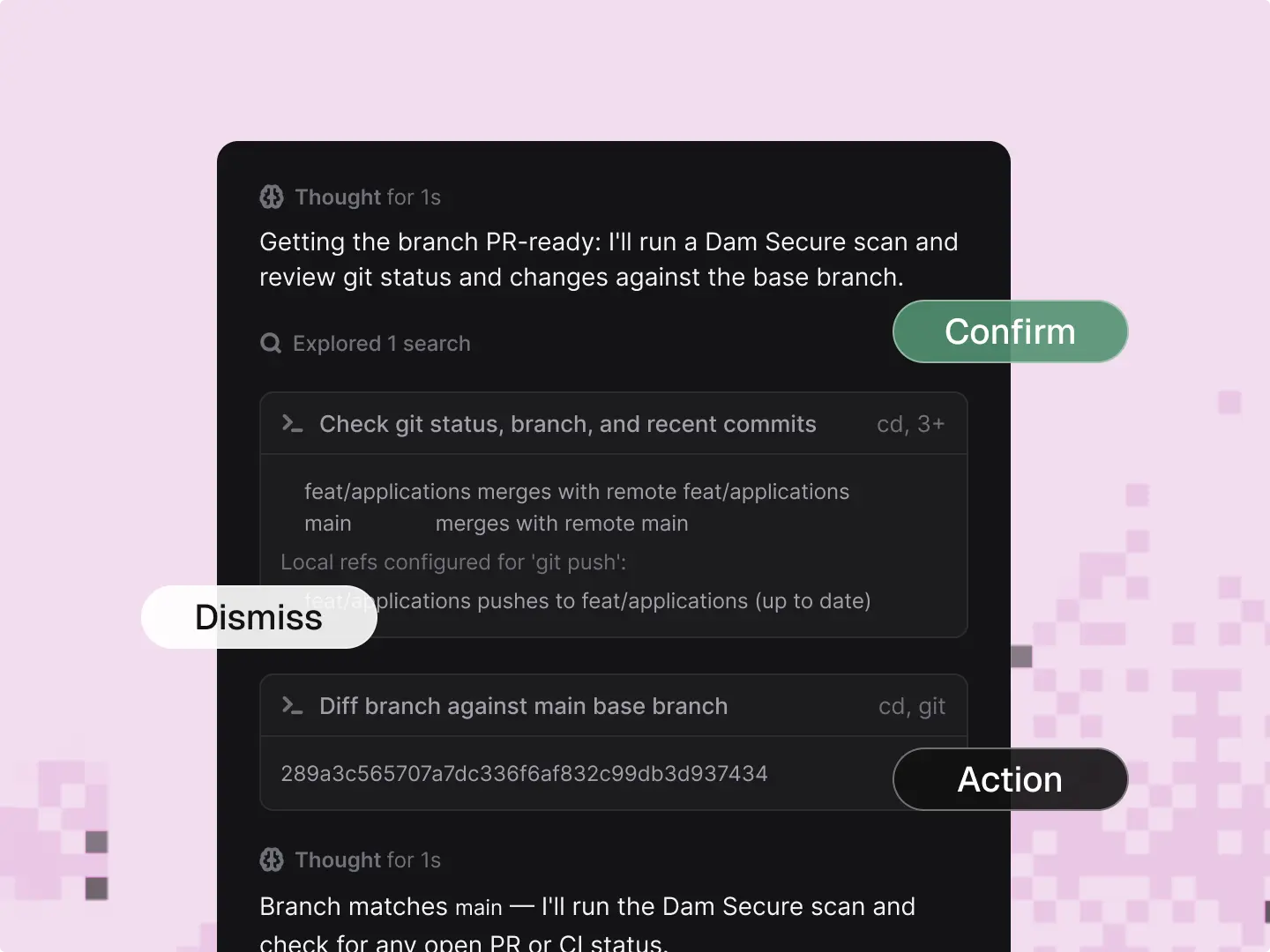
Plain English rules, grounded in your context.
Refine security rules directly from the code you're working in. In plain English, grounded in your Knowledge Graph - the same understanding that powers every scan - and enforce across every repo, every branch, and every agent on your team.
.webp)
No developer gets left behind.
Most engineering orgs are split across different tools. Dam Secure closes that gap: it works the same way whatever your devs or AppSec team are using - Cursor, Claude Code, Codex, or otherwise. We bring the same context, the same source of truth.
.webp)
Good security
is invisible.
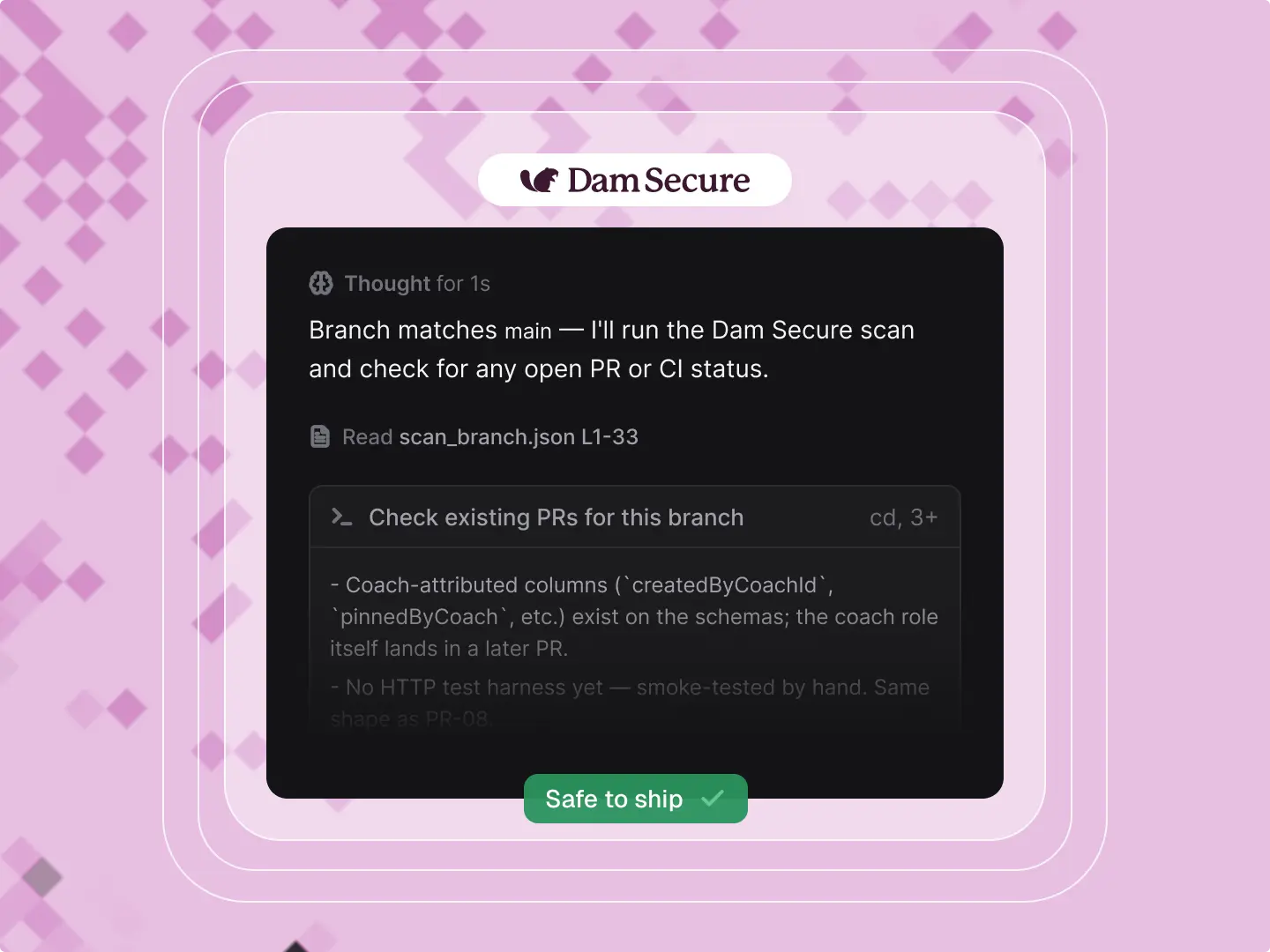
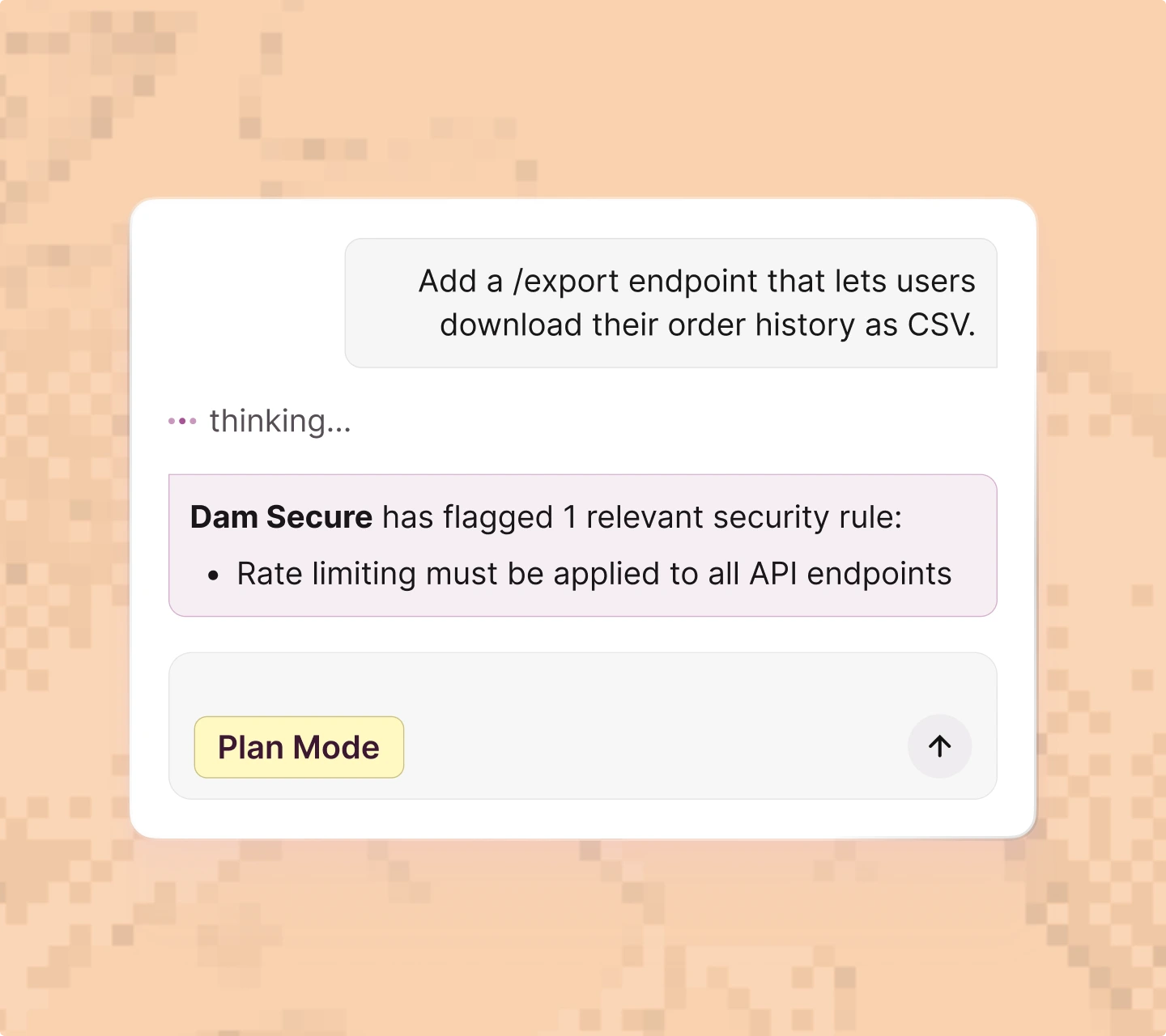
Dam Secure sits in the background and works with your coding agent, building security into every feature as it's written.
It catches what matters early and quietly, so what ships is already secure, without adding a single step to how your team already works.
How it works
Install our
CLI & MCP.
One configuration block in Cursor, VS Code, or Claude Code. Authenticate via OAuth and you're connected.
Search + filter your issues.
Find issues by rule, severity, or project without leaving your editor. Findings surface with the code, the rule, and the context attached.
Triage without switching tabs.
Confirm, dismiss, or mark issues fixed directly from your editor. Triage decisions persist across rescans - confirm something once and it stays confirmed.
Build and refine rules in context.
Author new rules or update existing ones from inside the codebase they apply to. Write in plain English and Dam Secure maps them to the right projects automatically.
.webp)
Works with your favorite tools
.svg)




.svg)
Explore features
A continuous, accurate picture of your security posture - against the rules your team has defined.

AI-native engine that reasons about your code, catching what rule-based scanners can't.
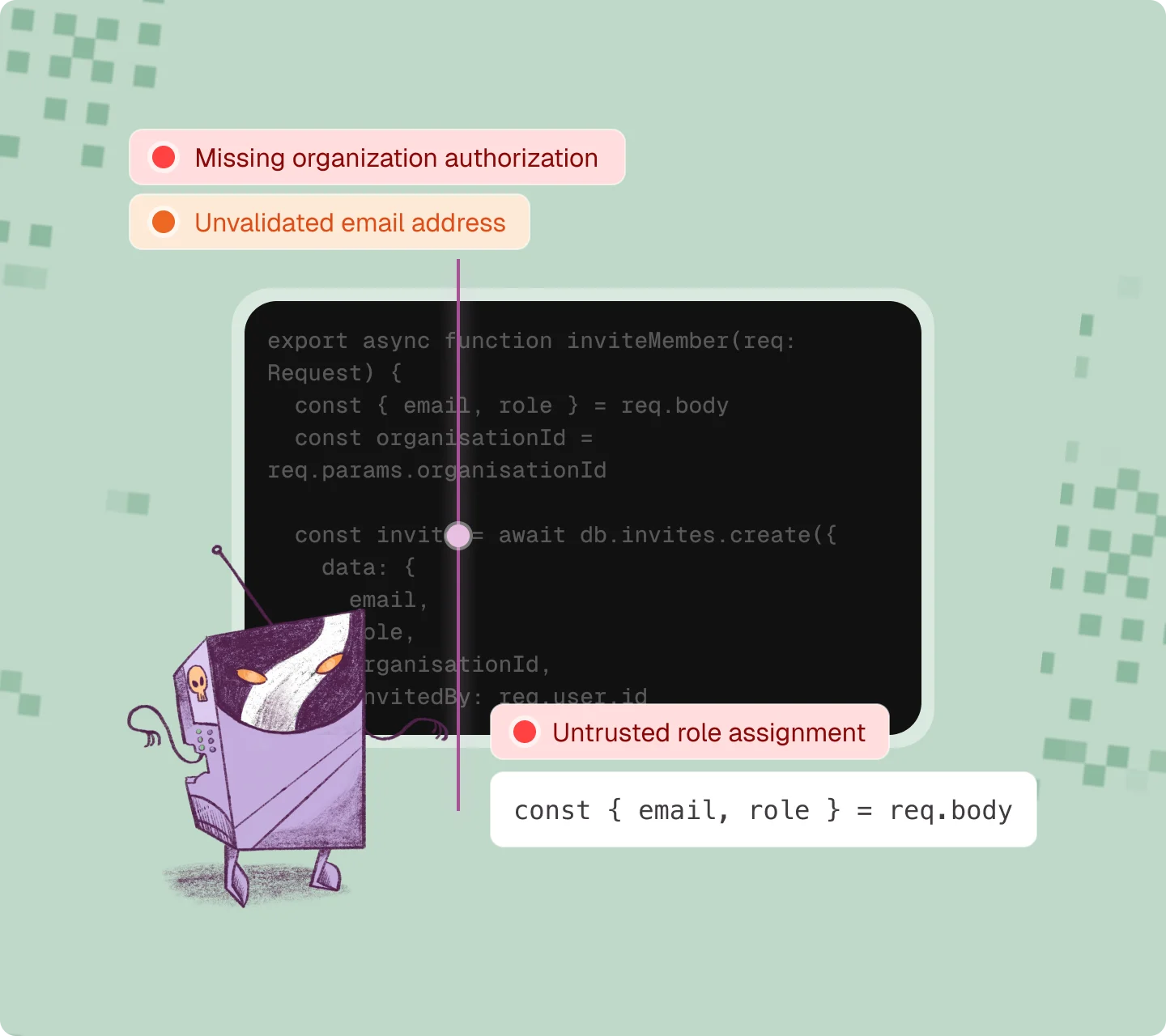
Dam Secure's persistent security memory - so findings are accurate from day one.
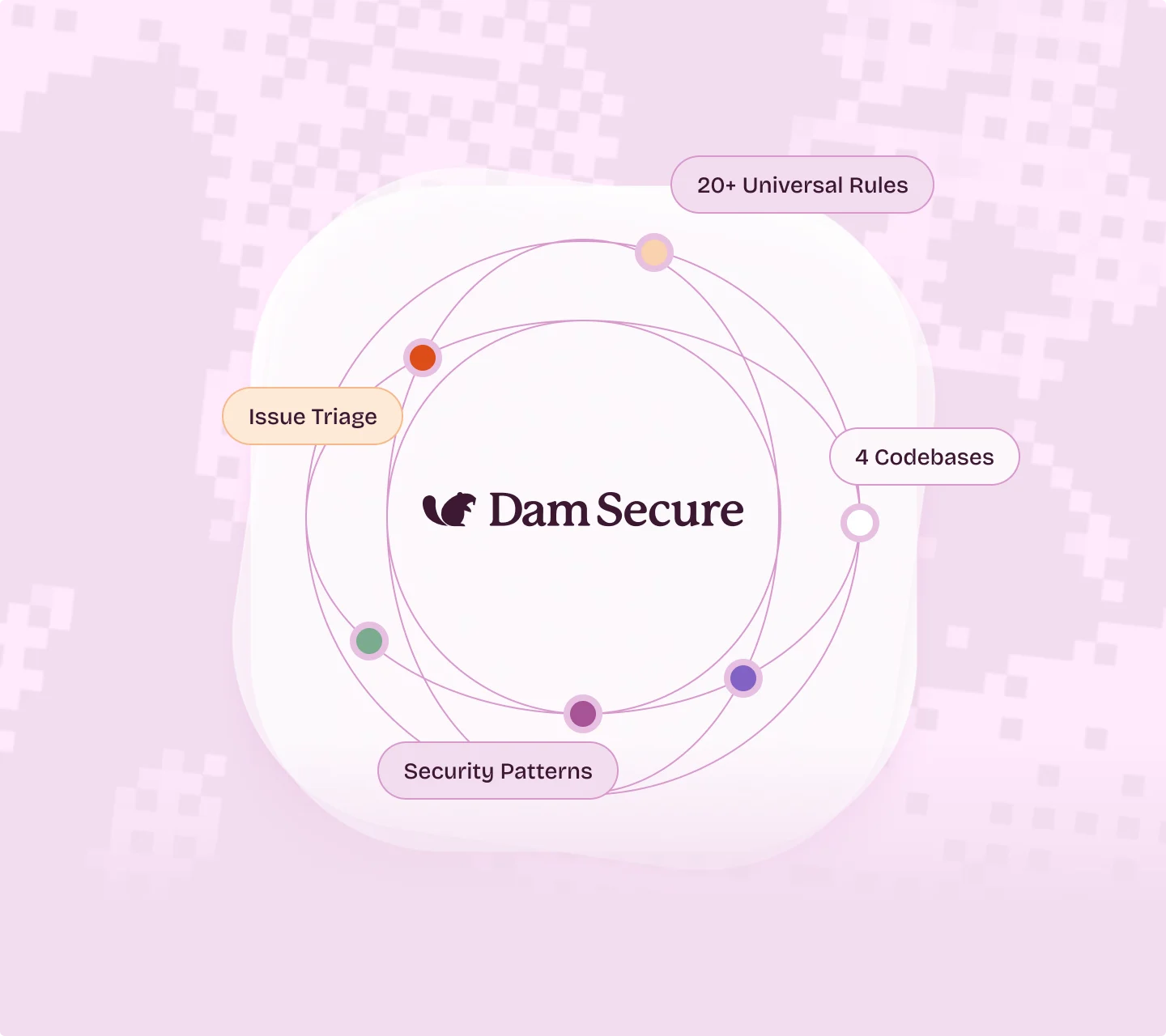
Secure Spec ensures your agent specs are secure by design - before any code is generated.
Triage and fix issues, author rules, and manage your security posture from inside your developer environment.
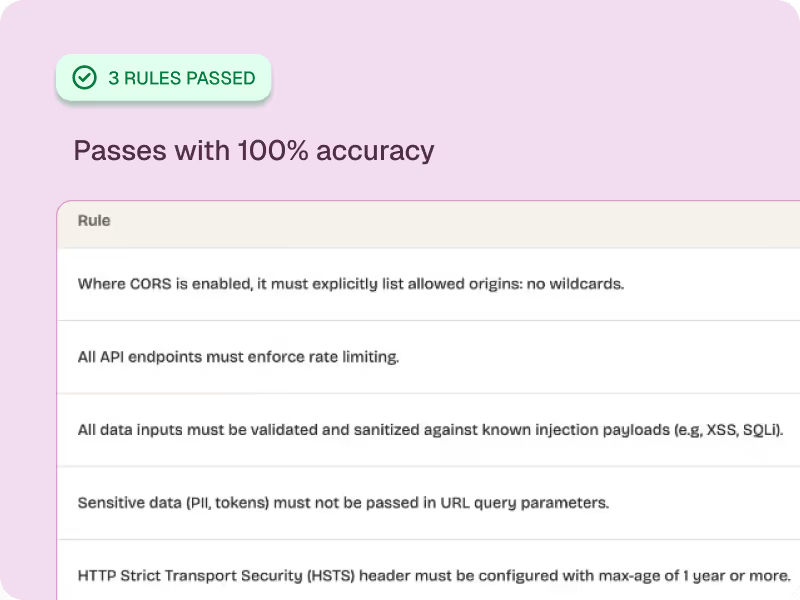
Scan every PR against your org’s security rules the moment it's opened - grounded in your codebase.

Your Security. Enforced at AI Speed.
Join other security-minded teams who refuse to let AI development outpace their security practices.
.webp)