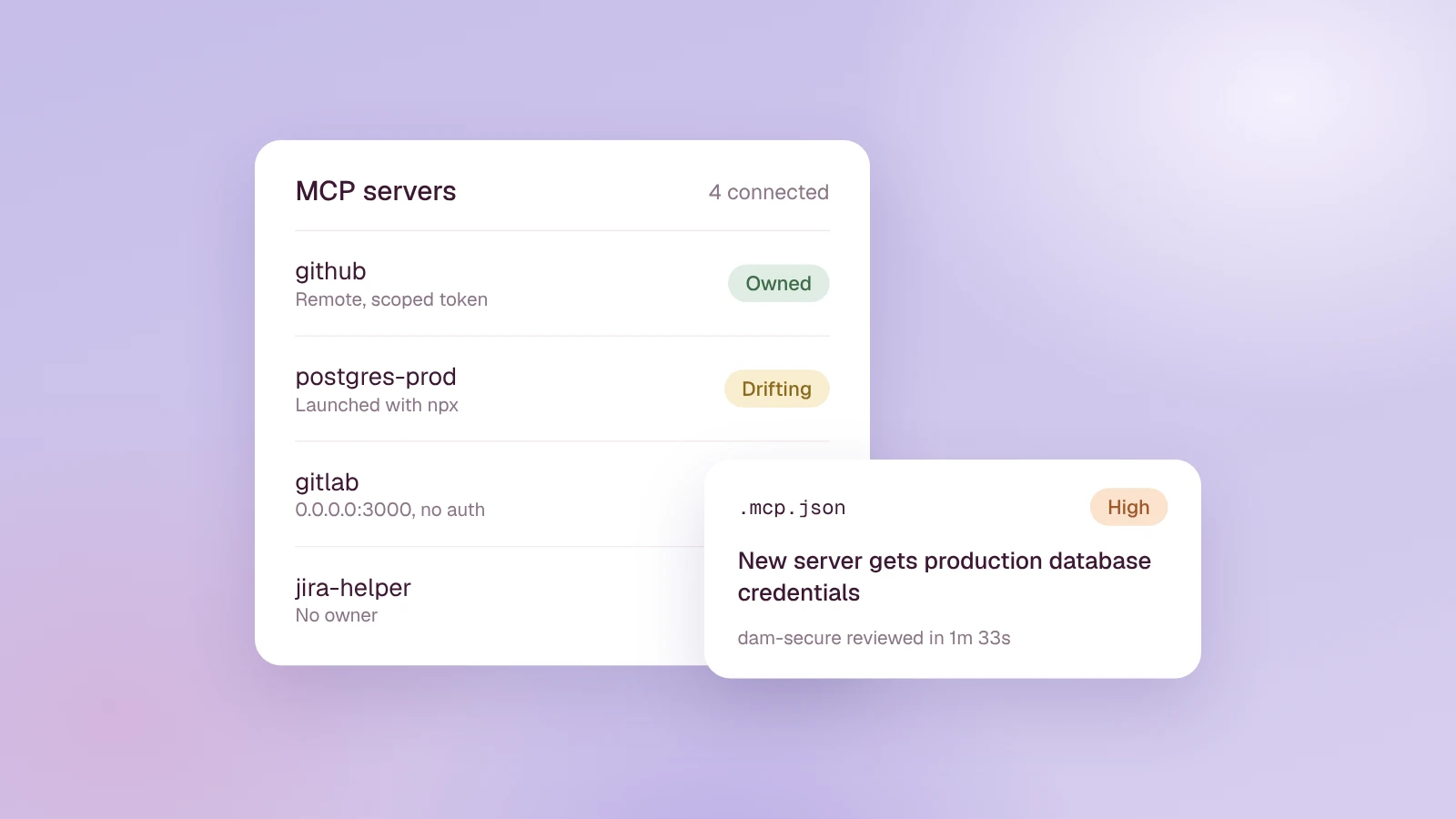
MCP server security: a checklist for AppSec teams

Summary
To secure MCP servers, keep an inventory with an owner and token list for each server, control who can add servers, keep listeners on loopback or behind authentication, scope and expire tokens, freeze dependencies for high-value servers, watch releases as well as CVEs, and review MCP config changes like code.
It matters because the MCP spec makes authorization optional, many servers pull fresh dependencies on every launch, and each server holds credentials an agent can use on its own.
Why is MCP server security a problem right now?
MCP servers are how coding agents reach your tools: GitHub, your database, Jira, Slack. That makes each one a bundle of credentials that an agent can use on its own.
The protocol doesn't force any of it to be locked down. The current MCP specification says authorization is optional for MCP implementations, and local servers that talk over stdio are expected to pull credentials from the environment.
The incidents are piling up. A popular GitLab MCP server exposed its endpoints with no authentication, ran as root, and could read its own environment, GitLab token included. The fix shipped in June. The CVE wasn't published until September, which left about 12 weeks with nothing for CVE-based tools to match.
And this month, Cursor traced a trojanized Claude Code extension on its marketplace back to an access key exposed through a partner. The AI toolchain itself is now part of your attack surface.
What makes an MCP server risky?
1. It holds credentials an agent can use
Most MCP servers carry a token for the system they connect to. If the server is compromised, or the agent is tricked through prompt injection, that token does whatever its scopes allow.
2. Authentication is optional
Remote servers over HTTP can skip authorization and still follow the spec. A server that listens on every network interface without credentials is open to anyone who can reach the port.
3. It runs code you never pinned
Many local servers are launched with npx or uvx, which resolve dependencies fresh on each start. The Cloud Security Alliance found a server configured to run one release ran with 15 different dependency sets over five weeks. In the same research, 23 of 35 servers reviewed installed the same way.
4. Config files are an attack surface
Files like .mcp.json decide which servers an agent launches and what they can touch. The SANDWORM_MODE npm worm went after exactly this, poisoning AI assistants as well as stealing secrets. A single line added to a config file in a PR can hand an agent a new set of credentials.
5. Fixes ship before CVEs
If you only watch CVE feeds, you'll learn about MCP server flaws weeks after the maintainer fixed them. The GitLab case above is a good example.
How do you secure MCP servers?
Here's a checklist AppSec teams can work through in a week.
1. Build an inventory
List every MCP server your developers and agents use. For each one, record an owner, which tokens it holds, and where it listens. Treat a server with no owner as a finding.
2. Control who can add servers
By default, developers can connect any MCP server they like. In Claude Code, a managed-mcp.json file gives your team exclusive control, and managed settings can restrict developers to an allowlist. Run claude mcp list on a test machine to check it's working.
3. Keep listeners on loopback or require auth
Local servers should listen on 127.0.0.1 only. Any server reachable over the network should require authentication on every request, including in Docker, where a published port listens on all interfaces by default.
4. Scope and expire tokens
Give each server its own token with the narrowest scopes that work, and set an expiry. A read-only replica beats a production connection string for almost every agent task.
5. Freeze dependencies for high-value servers
Install from a hash-locked lock file, or run the server from a container image pinned by digest. Where teams still launch with npx, add a release-age delay and disable install scripts.
6. Watch releases, as well as CVEs
Subscribe to releases for every server in your inventory. A security fix in a changelog is your real signal, often weeks before a CVE exists.
7. Review MCP config changes like code
Changes to .mcp.json, .cursor/mcp.json and similar files should go through the same security review as application code. They change what your agents can reach.
How does Dam Secure fit?
 dam-securebotreviewed in 1m 33s
Dam Secure reviews every PR for security, and that includes the files that configure your agents. When a PR adds an MCP server, widens its credentials or points it at production, the review flags it with a suggested fix before it merges.
AI triage checks each finding against your codebase before it's posted, so developers see fewer than five findings per PR and the ones they see are real. Reviews take under two minutes, at about a fifth of the cost of Claude Code Security or a DIY setup.
Managed Security Context also gives every coding agent your security rules from the first prompt, so agents are less likely to wire up risky servers in the first place.
As Doug Rathbone at Dovetail puts it: "Dam Secure is the equivalent of a principal security engineer reviewing every change, making sure it's ready for production."
FAQ
Is authorization required for MCP servers?
No. The current MCP specification makes authorization optional. It applies to HTTP transports, and local stdio servers are expected to get credentials from the environment. That's why teams need their own rules for remote servers.
What is MCP dependency drift?
Many local MCP servers are launched with npx or uvx, which resolve dependencies fresh each time. Even with the server version pinned, the code underneath can change between launches.
How do I stop developers adding unapproved MCP servers in Claude Code?
Deploy a managed-mcp.json file, or use an allowlist in managed settings with allowManagedMcpServersOnly turned on. Developers can then only use the servers your team approves.
Should MCP config files go through code review?
Yes. Files like .mcp.json decide which servers an agent runs and which credentials they get. A one-line change can give an agent access to production.
Want to see it on your own PRs? Speak to our team.